shelfry.app/p/finetune

FineTune
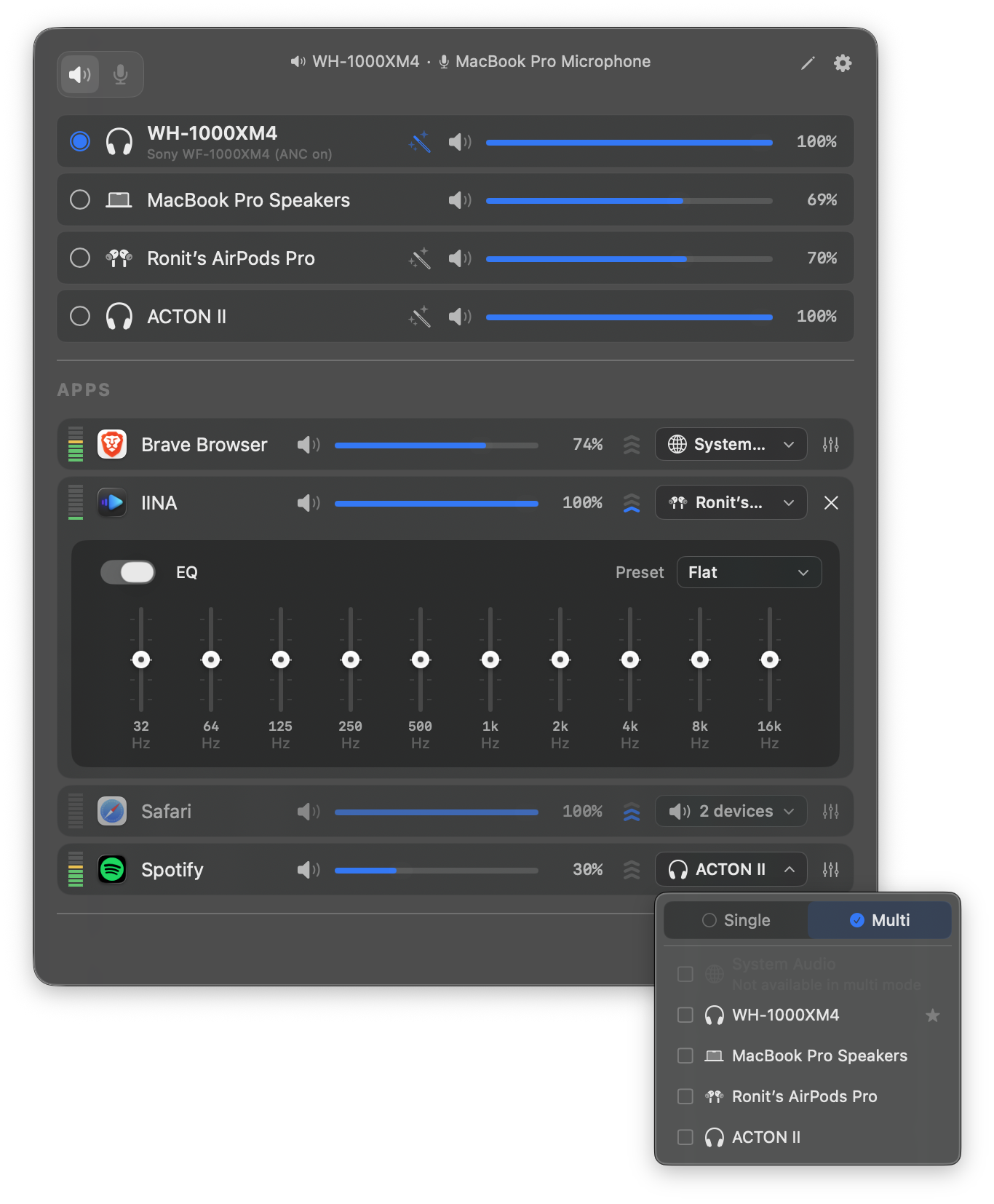
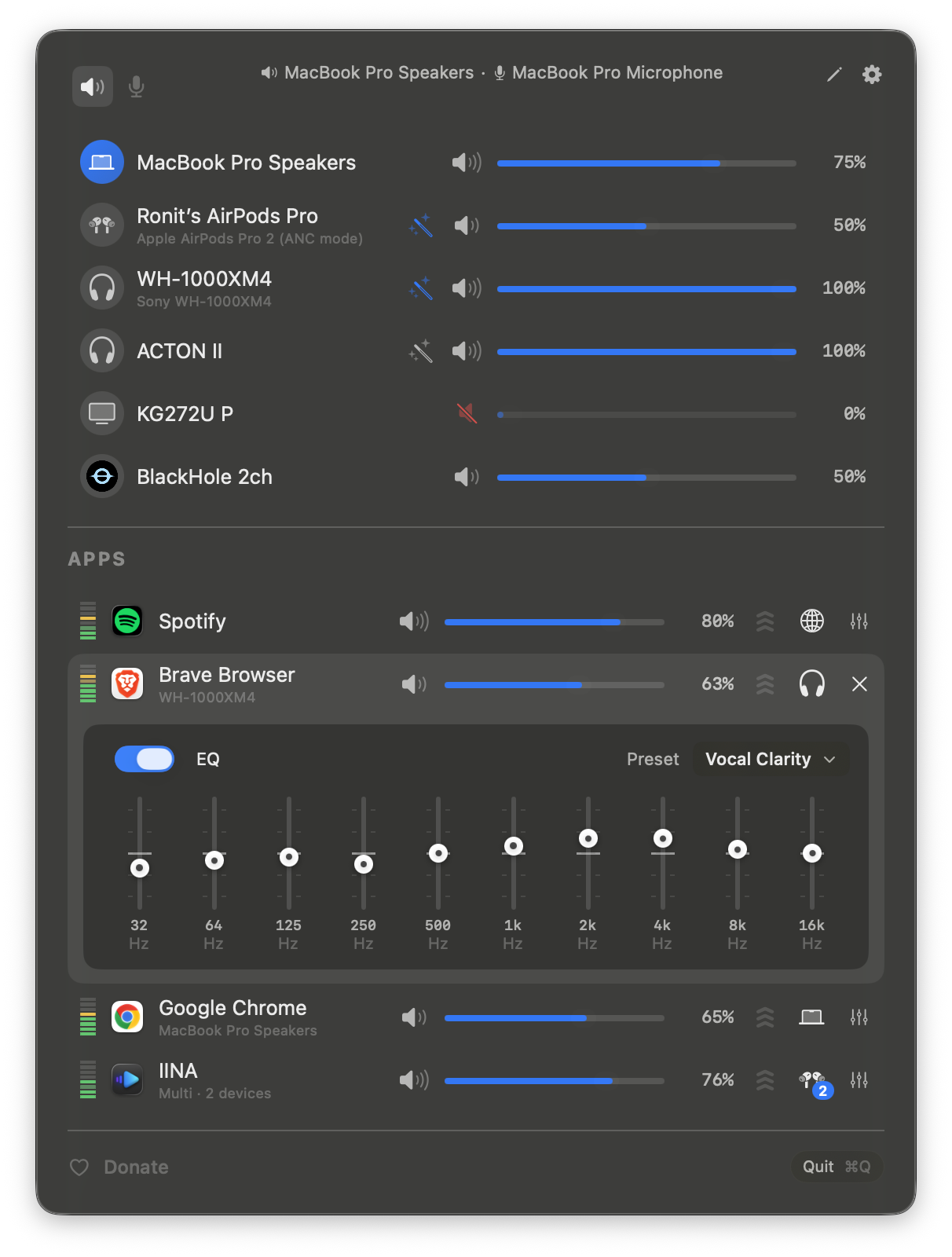
FineTune 是一款 macOS 菜单栏音频控制工具,让用户为每个正在播放声音的应用单独设置音量和静音,并可把音量放大 2 到 4 倍以听清偏小的声音。它支持把不同应用的声音路由到不同输出设备,也能同时输出到多个设备,还能记住设备连接时的优先级和自动回切。内置 10 段均衡器和 AutoEQ 耳机频响校正,可导入 ParametricEQ.txt 配置;另有低音量下的响度补偿、全局快捷键、DDC 显示器音量控制和 URL Scheme 自动化。项目以 Swift/SwiftUI 编写,开源免费,是 SoundSource 的替代方案。
macOS应用 GPL-3.0
$
brew install --cask finetuneStars
9.8K
Forks
374
语言
Swift
最近提交
3 个月前

FineTune
Control the volume of every app independently, boost quiet ones up to 4x, route audio to different speakers, and shape your sound with EQ and headphone correction. Lives in your menu bar. Free and open-source.

English · 简体中文