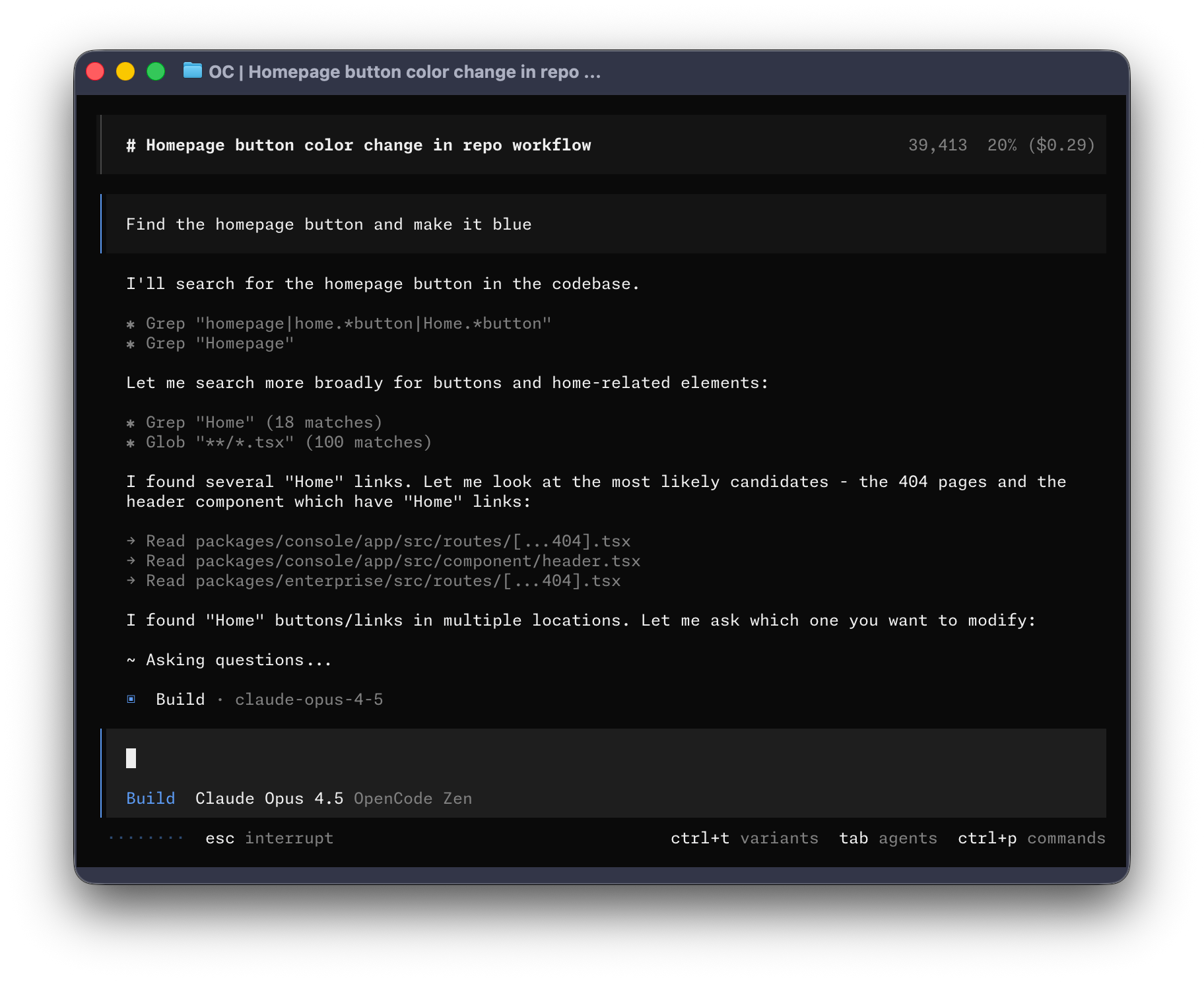
OpenCode 是一个开源的 AI 编程智能体,运行在终端中,也可以使用桌面应用。它内置 build 和 plan 两个智能体,用 Tab 键即可切换:build 拥有完整权限,可以直接读写文件、执行命令来完成开发任务;plan 默认只读,拒绝文件修改,并在运行 bash 前请求确认,适合先熟悉陌生代码库或规划改动。遇到复杂检索和多步骤任务时,可以用 @general 调用内部子智能体。安装脚本会按照环境变量、XDG 规范、~/bin 的顺序选择安装目录,官方还提供 macOS、Windows 和 Linux 的桌面安装包。项目使用 TypeScript 编写,采用 MIT 协议,文档支持数十种语言。
curl -fsSL https://opencode.ai/install | bash# YOLO
curl -fsSL https://opencode.ai/v2/install | bash
# Package managers
npm i -g @opencode/cli@latest # or bun/pnpm/yarn
brew install anomalyco/tap/opencode-v2 # macOS and Linux (recommended, always up to date)
brew install opencode # macOS and Linux (official brew formula, updated less)
sudo pacman -S opencode # Arch Linux (Stable)
paru -S opencode-beta # Arch Linux (Latest from AUR)
mise use -g opencode # Any OS
nix run github:anomalyco/opencode # Nix
[!TIP] Remove versions older than 0.1.x before installing.
OpenCode is also available as a desktop application. Download it from opencode.ai/download.
| Platform | Download |
|---|---|
| macOS (Apple Silicon) | opencode-desktop-mac-arm64.dmg |
| macOS (Intel) | opencode-desktop-mac-x64.dmg |
| Windows | opencode-desktop-win-x64.exe |
| Linux | .deb, .rpm, or .AppImage |
# macOS (Homebrew)
brew install --cask opencode-desktop
The install script respects the following priority order for the installation path:
$OPENCODE_INSTALL_DIR - Custom installation directory$XDG_BIN_DIR - XDG Base Directory Specification compliant path$HOME/bin - Standard user binary directory (if it exists or can be created)$HOME/.opencode/bin - Default fallback# Examples
OPENCODE_INSTALL_DIR=/usr/local/bin curl -fsSL https://opencode.ai/v2/install | bash
XDG_BIN_DIR=$HOME/.local/bin curl -fsSL https://opencode.ai/v2/install | bash
OpenCode includes two built-in agents you can switch between with the Tab key.
Also included is a general subagent for complex searches and multistep tasks.
This is used internally and can be invoked using @general in messages.
Learn more about agents.
For more info on how to configure OpenCode, head over to our docs.
If you're interested in contributing to OpenCode, please read our contributing docs before submitting a pull request.
If you are working on a project that's related to OpenCode and is using "opencode" as part of its name, for example "opencode-dashboard" or "opencode-mobile", please add a note to your README to clarify that it is not built by the OpenCode team and is not affiliated with us in any way.
内容由编辑整理,部分信息来自 GitHub 与项目官网,版权归原作者所有。发现错误?报告问题