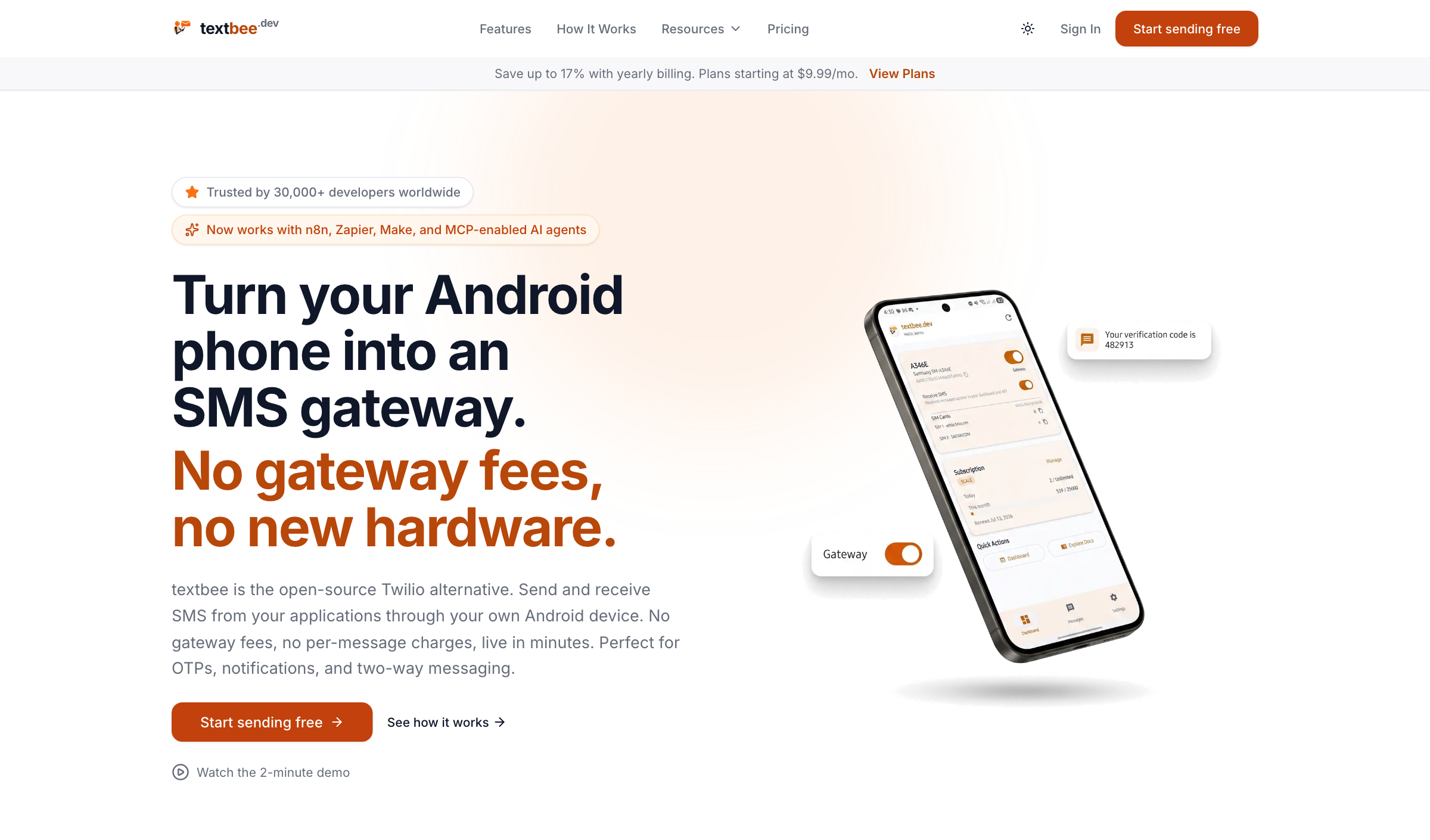
Send and receive SMS messages using your own Android phone - no Twilio, no per-message fees. Free, open-source, and self-hostable.
The open-source SMS gateway for developers, automations, and AI agents. Manage SMS messages through a web dashboard, a REST API, or the MCP server for AI agents. textbee is ideal for businesses, developers, and hobbyists looking for a reliable and cost-effective solution to automate SMS messaging.
Scan the QR code with the app or enter the API key manually
You're ready to send SMS from the dashboard or from your application via the REST API
Sending an SMS
Messages go out through your default device, or otherwise the enabled device with the most recent heartbeat. Pass an optional deviceId in the request body to send from a specific device instead. The older /gateway/devices/{deviceId}/send-sms route still works but is deprecated.
Enable SMS receiving in the mobile app, then access incoming messages via the REST API, the dashboard, or webhook notifications delivered to your preferred URL. Message history is account-level: one call covers every device, no device id needed.
curl -X GET "https://api.textbee.dev/api/v1/gateway/messages?direction=received" \
  -H "x-api-key: YOUR_API_KEY"
Use with AI agents (MCP)
The official textbee MCP server lets Claude, Cursor, and any MCP-compatible client send and read SMS through your account. Three tools: send_sms (send to one or many recipients), get_messages (read replies and verification codes, check delivery status), and list_devices. Plan limits apply server-side like any other send.
claude.ai, Claude Desktop, and the Claude mobile apps (nothing to install; the Free plan allows one custom connector):
In claude.ai or Claude Desktop, open Customize, then Connectors, then + Add and Add custom connector.
Enter the name textbee and the URL https://mcp.textbee.dev/mcp, then click Continue twice.
Choose Sign in now, leave the OAuth client on the recommended option, and click Add.
Paste your API key on the textbee sign-in page and click Connect.
The mobile apps use connectors added on the web or desktop. On Team and Enterprise plans, an owner adds the connector for the organization first.
Claude Code:
# Hosted: run /mcp afterwards and choose Authenticate to sign in with your API key
claude mcp add --transport http -s user textbee https://mcp.textbee.dev/mcp

# Or local: the key stays on your machine
claude mcp add textbee -s user -e TEXTBEE_API_KEY=YOUR_API_KEY -- npx -y @textbee/mcp
Cursor and other MCP clients (local server, the key stays on your machine):
With the hosted connector, textbee checks your key and does not store it. Self-hosted instances use the local server with TEXTBEE_BASE_URL. Full setup at textbee.dev/mcp and the MCP docs.
Use Cases
OTP / 2FA delivery for your app
Order and appointment notifications
Alerts from servers, cron jobs, and home automation
Form-to-SMS and lead follow-ups
Bulk announcements to a contact list (CSV upload)
FAQ
Will my carrier block my number for sending too many messages?
Carriers apply their own rate limits and anti-spam policies, which vary by country and plan. For personal and low-volume use this is rarely an issue. For higher throughput, use multiple devices/SIMs and keep sending rates reasonable. You are responsible for staying within your carrier's terms.
Is it legal to send marketing SMS this way?
SMS marketing is regulated in most countries (e.g., TCPA in the US, GDPR/ePrivacy in the EU). textbee is a tool. You are responsible for obtaining consent and complying with the laws that apply to you and your recipients.
Does my phone need to stay on?
Yes. Messages are sent through your phone, so it needs to be powered on with the app running and connected to the internet. A spare Android phone plugged into a charger works great as a dedicated gateway.
Is there a limit on the cloud-hosted version?
See textbee.dev for current plans and limits. You can always self-host for full control.
Install MongoDB on Your Server: Follow the official MongoDB installation guide for your operating system.
Using MongoDB Atlas: Alternatively, you can create a free database on MongoDB Atlas. Sign up at MongoDB Atlas and follow the instructions to set up your database.
Firebase Setup
Create a Firebase project.
Enable Firebase Cloud Messaging (FCM) in your Firebase project.
Obtain the Firebase credentials for backend use and the Android app.
Building the Android App
Clone the repository and navigate to the Android project directory.
Update the google-services.json file with your Firebase project configuration.
Update every occurrence of textbee.dev with your own domain in the project.
Build the app using Android Studio or the command line:
./gradlew assembleRelease
Building the Web
Navigate to the web directory.
Copy the .env.example file to .env:
cp .env.example .env
Update the .env file with your own credentials.
Install dependencies:
pnpm install
Build the web application:
pnpm build
Building the API
Navigate to the api directory.
Copy the .env.example file to .env:
cp .env.example .env
Update the .env file with your own credentials.
Install dependencies:
pnpm install
Build the API:
pnpm build
Analytics and telemetry
A self-hosted instance reports nothing to anyone by default. With no
analytics environment variables set, the web app loads no analytics or
ad-platform scripts and the API sends no analytics events to any external
service. Every provider below is opt-in, and one that is listed without its id
is skipped.
(This is separate from the services the API talks to when you configure them
yourself: Firebase for push, Cloudflare Turnstile, Polar for billing, and your
own SMTP server.)
Web (web/.env, and the marketing site if you run it):
Variable
Purpose
NEXT_PUBLIC_ANALYTICS_PROVIDERS
Comma separated list of providers to load: ga, clarity, meta. Unset means none.
NEXT_PUBLIC_GA_MEASUREMENT_ID
Google Analytics measurement id, required for ga.
NEXT_PUBLIC_CLARITY_PROJECT_ID
Microsoft Clarity project id, required for clarity.
NEXT_PUBLIC_META_PIXEL_ID
Meta pixel id, required for meta.
NEXT_PUBLIC_ATTRIBUTION_COOKIE_DOMAIN
Cookie domain for signup attribution, for example .example.com, when the dashboard and the marketing site are on different subdomains. Leave unset for a single domain.
API (api/.env):
Variable
Purpose
ANALYTICS_PROVIDERS
Comma separated list of server-side destinations. Only meta today. Unset means no events are sent.
META_PIXEL_ID
Same id as the browser pixel.
META_CAPI_ACCESS_TOKEN
Conversions API token. Keep it out of version control and out of any NEXT_PUBLIC_ variable.
META_CAPI_TEST_EVENT_CODE
Optional. Routes events to Events Manager's test view instead of live reporting.
NEXT_PUBLIC_ values are baked in at build time, so changing them means a
rebuild, not just a restart. ANALYTICS_PROVIDERS on the API is read at
runtime, so unsetting it and restarting stops all outbound events immediately.
Signup attribution (which channel an account came from) is separate from the
providers above. It is stored only in your own database, makes no external
request, and is always on.
Hosting on a VPS
Install pnpm, pm2, and Caddy on your VPS.
Use pm2 to manage your Node.js processes:
pm2 start dist/main.js --name textbee-api
Configure Caddy to serve your web application and API. Example Caddyfile:
Ensure your domain points to your VPS and Caddy is configured properly.
Dockerized env
Requirements:
Docker installed
After setting up Firebase, update your .env in web && api folder.
cd web && cp .env.example .env \
&& cd ../api && cp .env.example .env
Navigate to root folder and execute docker-compose.yml file.
This will spin up web container, api container alongside with MongoDB and MongoExpress. textbee database will be automatically created.
Create a feature or bugfix branch from main branch.
Make sure your commit messages and PR comment summaries are descriptive.
Create a pull request to the main branch.
Bug Reporting and Feature Requests
Please feel free to create an issue in the repository for any bug reports or feature requests. Make sure to provide a detailed description of the issue or feature you are requesting and properly label whether it is a bug or a feature request.
Please note that if you discover any vulnerability or security issue, we kindly request that you refrain from creating a public issue. Instead, send an email detailing the vulnerability to [email protected].